 AI-generated
AI image prompt
Painterly Rainy Portrait
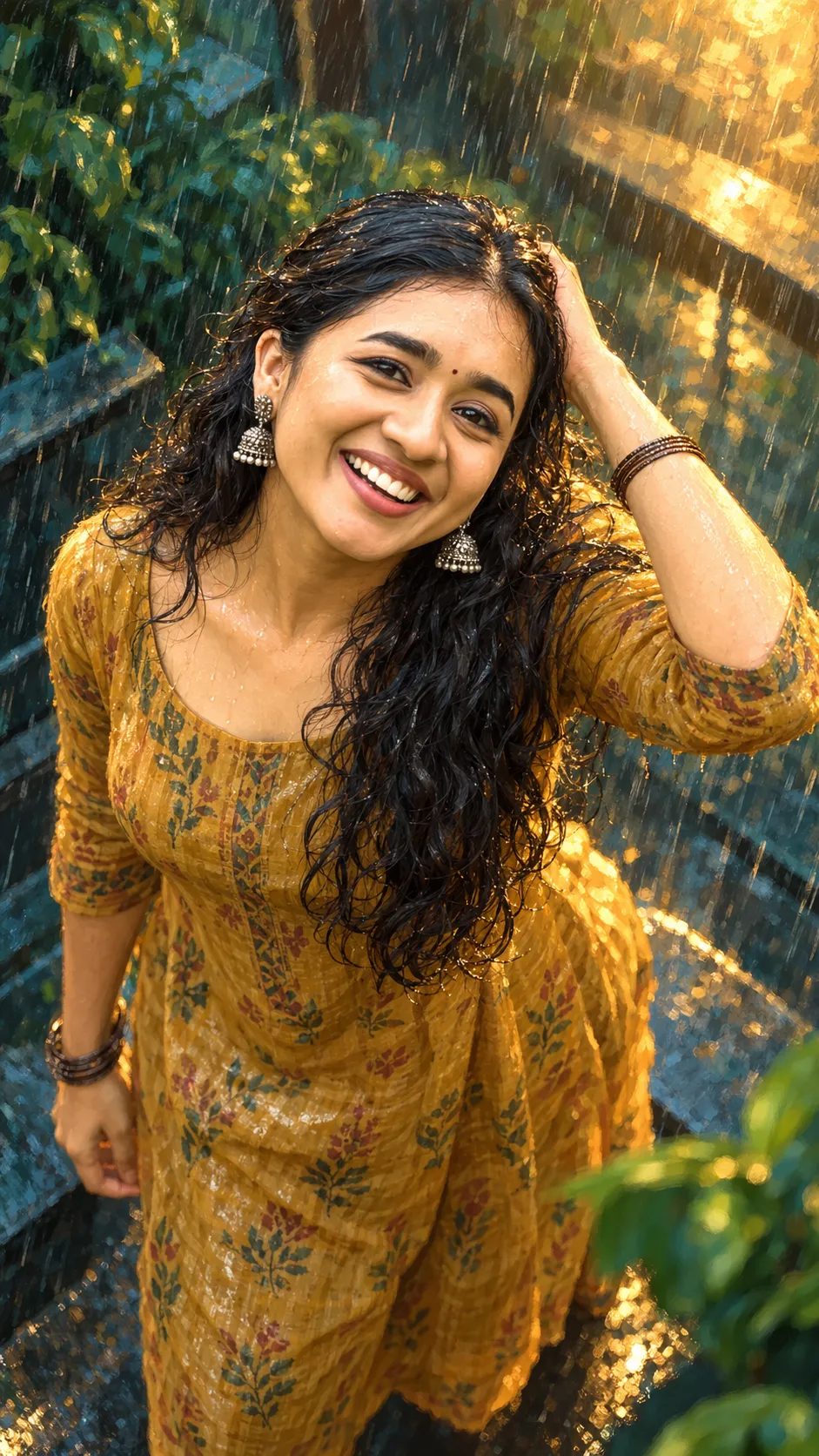
An expressive painterly illustration depicting a woman in a vibrant mustard-gold kurta amidst rain. The artwork captures bold brushwork with deep teal-green shadows and warm golden highlights, creating an enchanting atmosphere.
FACE MATCH FIRST: the exact woman in the attached photo - same hairline, brows, eye shape and spacing, nose, lips, jaw, cheeks, skin tone. Never beautify or slim the face.

STYLE: an expressive painterly illustration with bold visible brushwork - deep teal-green shadow and hot golden light, rain in the air, wet highlights, a shallow glowing depth of field.

Seen slightly from above as she looks up, face three-quarter with both eyes fully visible, dark curls heavy and damp, silver jhumkas swinging, a small red bindi. A mustard-gold cotton kurta with a loose print, one hand raised to push wet hair back, well clear of the forehead, fingers countable. Rain streaking through warm light, teal foliage behind. Soft half-smile. Vertical 9:16.

The face is drawn to the reference's exact proportions - same hairline, brow shape, eye size and spacing, nose, lips and jaw - recognisable at a glance, eyes their real size and never enlarged, never a generic stylised face. High resolution, clean edges, no artefacts, no extra limbs or duplicated features. No lettering anywhere.

CHECK: the face must match the reference exactly.
This image was generated with AI.
About this look
Focusing on the subject seen from slightly above, the composition allows both eyes to remain visible, with dark, damp curls adding texture. Silver jhumkas swing gently, and the small red bindi enhances her features. A shallow depth of field brings emphasis to her soft half-smile, with rain streaking through warm light surrounded by lush teal foliage in the background.
How to use this prompt
Provide a reference photo of the woman that captures the exact facial features specified, ensuring no beautification. The portrait should highlight her exact proportions and maintain high-resolution quality. Aim for clarity in facial details while achieving a painterly effect with the specified color palette and brushwork. Adjust the depth of field for optimum glow if results appear too flat.
Tips to customize it
- Use a reference photo that highlights facial features clearly.
- Choose a warm golden light for highlights to enhance the mood.
- Incorporate deep teal for shadows to create contrast.
- Adjust the depth of field for a more pronounced glow effect.
More like this

Prompt Deck
Free on Google Play
Take the whole deck with you
Browse thousands of AI image prompts, customise them with your own details, and create — all from the Prompt Deck app.
- Tap to customise & copy
- Save your favourites
- Fresh prompts daily